
The video guide
This short video walks through the key points for a good business portrait. Employees also see it directly in the app before they upload their photo.
The four most important rules
-
01
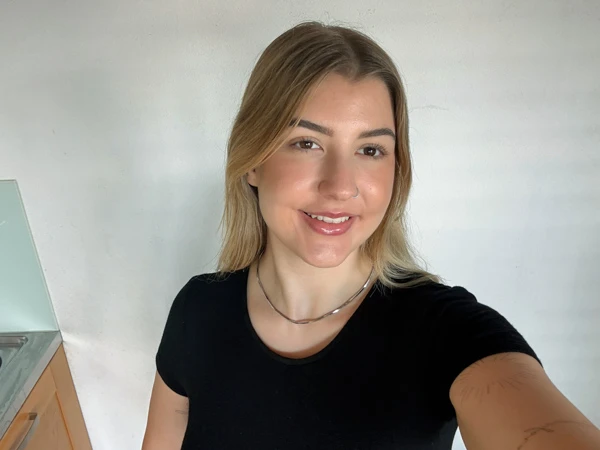
No selfie
Hand your phone to a colleague. A photo taken by someone else looks more natural than a selfie.
-
02
Light from the front
Face the window, do not stand sideways to it. Soft light from the front or slightly from the side; avoid harsh shadows.
-
03
2 metres away, 2x zoom
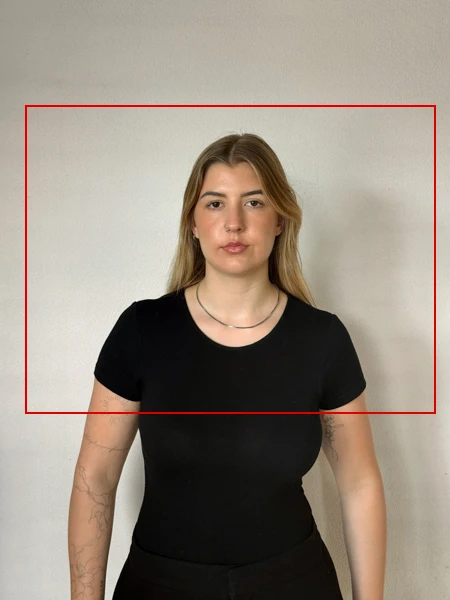
Shoot in landscape with the rear camera instead of the selfie camera, at least 2 metres away and with 2x zoom. The image shows head and chest.
-
04
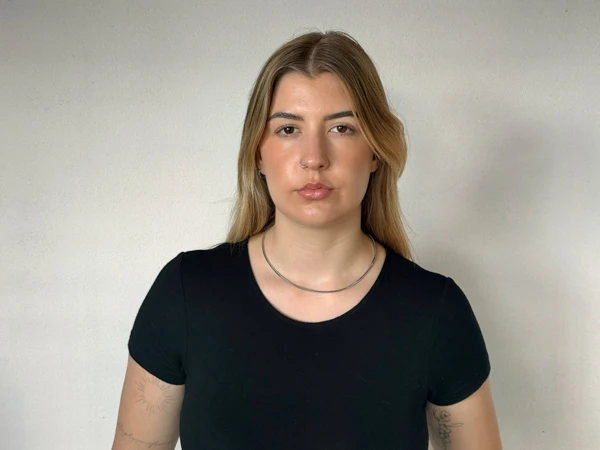
Smile naturally
A natural smile looks friendly and professional. Looking serious or tense quickly comes across as unapproachable in portraits.
Good and bad compared
This is how the most common mistakes look compared with a successful photo.
No selfie
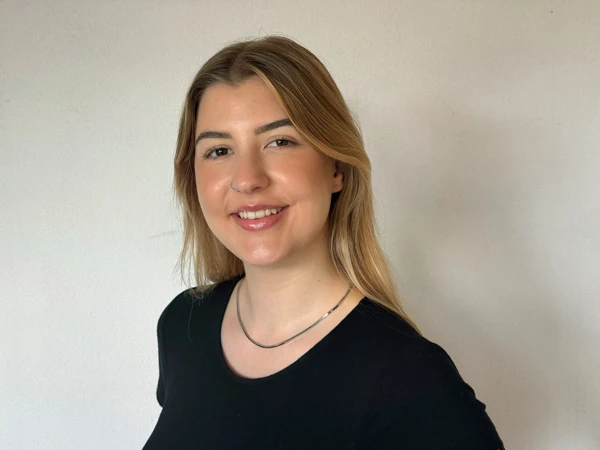
Light from the front
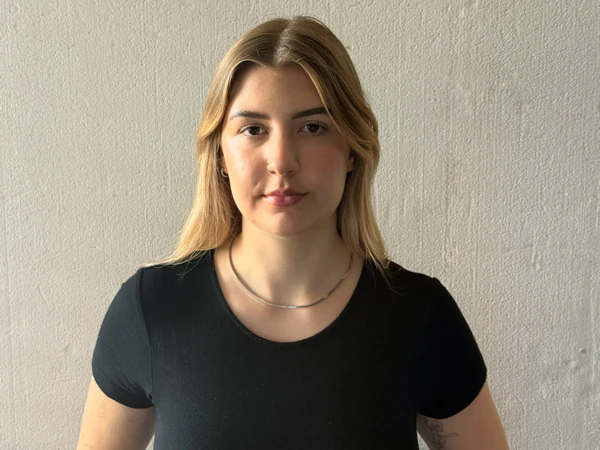
2 metres away, 2x zoom
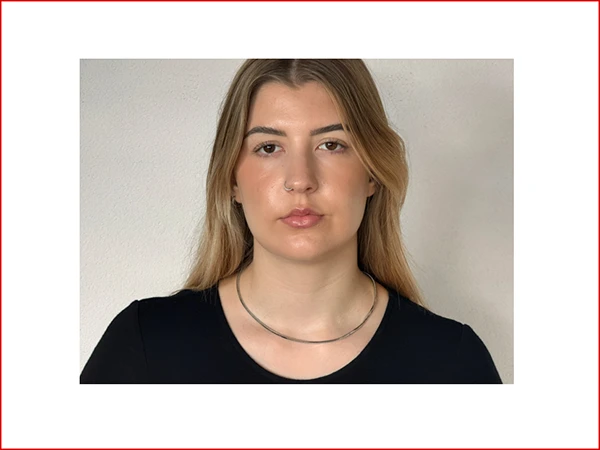
Smile naturally
Composition, background and clothing
- Camera: hold at eye level or slightly above.
- Framing: person centred in the frame, do not crop the sides, head in the upper third of the image. Landscape format works best.
- Background: bright and neutral, for example a white or light grey wall. The photographer sets the final background during editing.
- Clothing: appropriate for your job, without strong patterns or text.
- Notes from your employer: Your company can add further notes. They are shown before the upload.
Using an existing photo
Instead of taking a new photo, you can upload an existing business portrait. Choose your best photo. You can also select several, compare them and submit the best one. The same criteria apply:
- preferably landscape, head in the upper third, sides not cropped,
- neutral, bright background,
- good resolution, at least 1500×1500 pixels.
Uploading
- You receive the upload link by email. You need no account and no password.
- JPG, PNG and HEIC (iPhone photos) are allowed, up to 10 MB per file.
- Before the upload, you agree to a consent statement for the use of your photo.
What happens next
A photographer edits your image personally: cutout, new consistent background and fine retouching. Afterwards you receive a link for approval. You approve the image or state change requests. The whole process is shown in How PortraitFlow works. If you run into problems, the troubleshooting page will help.
Checklist before uploading
- Taken by another person, not a selfie
- Face towards the window, no harsh shadows
- Landscape, rear camera, 2 metres away, 2x zoom
- Head and chest in the frame, head in the upper third, nothing cropped at the sides
- Bright, neutral background
- Natural smile
Frequently asked questions
May I photograph myself (selfie)?
Better not. Hand your phone to a colleague: the photo looks more natural and the distance is more likely to be right.
Which photos can I upload?
JPG, PNG and HEIC (iPhone photos), up to 10 MB per file.
What resolution does the photo need?
At least 1500×1500 pixels. Current phone cameras easily reach this.
Which background and clothing should I choose?
A bright, neutral background, for example a white or light grey wall. Clothing appropriate for your job, without strong patterns or text. The photographer sets the final background during editing.
Can I use an existing photo?
Yes, if it is a good business portrait. You can select several photos, compare them and submit the best one.
What happens after the upload?
A photographer edits the image personally. Afterwards you receive a link for approval: you approve the image or state change requests.
Try PortraitFlow without obligation
Free trial access, no credit card, set up in minutes.